A
Anonymous
Mar 16, 2026
Rating: 5/5
Robust and reliable
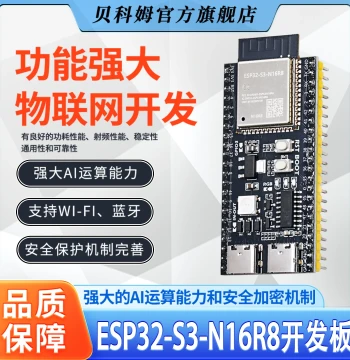
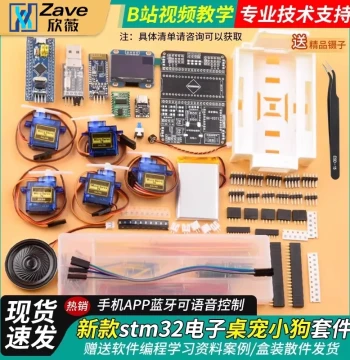
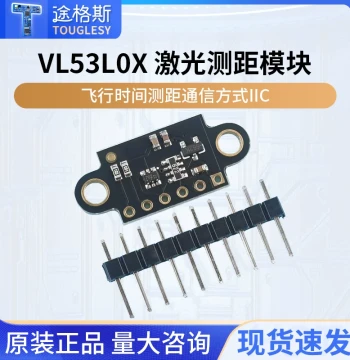
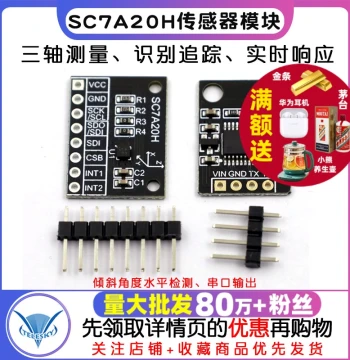
I've used this for several IoT prototypes. Power consumption is low and it handles sensors very well.
![[Youxin Electronics] Soil Moisture Meter Detection Module, Soil Moisture Sensor for Intelligent Robot Cars](https://www.gosteppe.com/cache/medium/product/3877/legacy-main-eca7a3fa750966e5dca86bbf.webp)

![[Puzhong Brand Store] 51 Microcontroller Learning Board Development Board Jiangxie Tech STC89C52 DIY Kit](https://www.gosteppe.com/cache/medium/product/1885/legacy-main-0474e8371f211cc54ab452b5.webp)
![[Corrosion-Resistant] DFRobot Capacitive Soil Moisture Sensor Module Dry/Wet Detection](https://www.gosteppe.com/cache/medium/product/3259/legacy-main-2f0d3454b36b32391d263648.webp)




![[Daimai Holds Micro-Needle Hair Transplant Patent] Little Red Cap Hydro Glow | Scalp Hydration and Repair](https://www.gosteppe.com/cache/small/product/270424/legacy-main-ecbdc6ee4688639f4a8ef150.webp)






![MOOCAT [Postage Stamp Stub] Hand-Drawn Blank Irregular Wood Pulp Fine-Texture Paper for Cyanotype, OC Signing, and Collage](https://www.gosteppe.com/cache/small/product/270412/legacy-main-3037a70329c5379f7064bc16.webp)